
Published: 22 Oct 2026 | Author: James Beresford
Every organisation running project work has the same quiet data quality problem: someone raises a job that already exists under a slightly different name, and from that moment the data is wrong. A client of ours has roughly 15,000 projects on the books in Total Synergy, and a new automation that needed to decide at intake whether a project request was genuinely new or an extension of something already running. If the robot gets it wrong (like those pesky humans), it creates a duplicate that every subsequent hour, invoice and WIP report inherits. This article walks through how we solved that one step (a small part of a much larger automation) using a combination of the client's Fabric data estate and Power Automate.
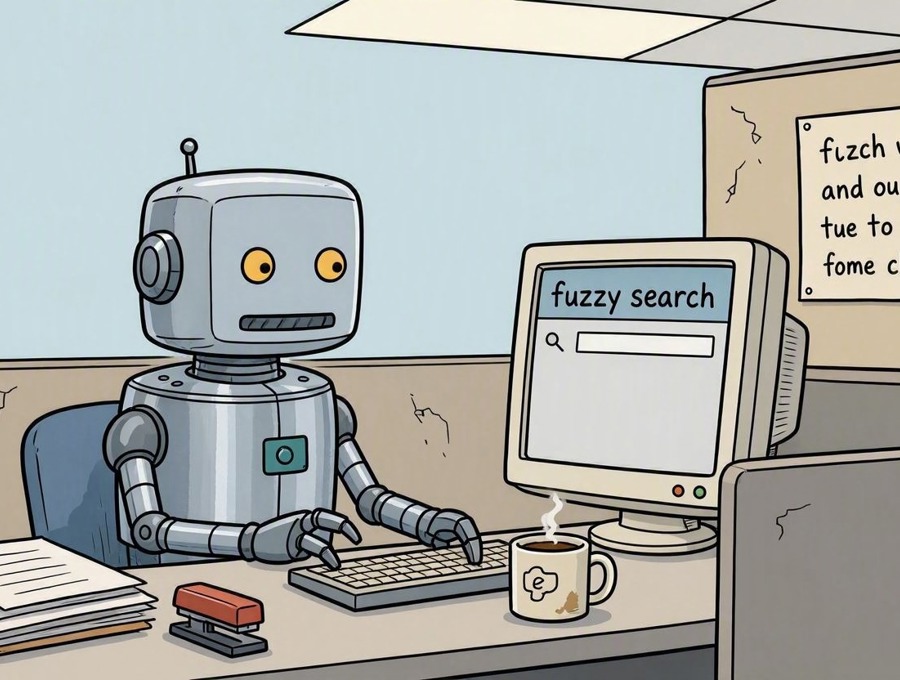
Fuzzy search in Fabric was the answer to a question this client had been asking their staff for years: is this a new project, or another slice of one we're already running?
The automation itself was a substantial piece of work. But it hinged on a single decision made in the first few seconds – match, or create. Everything after that inherited the answer, right or wrong.
More than it looks like at the time.
A person raises "Riverside Stage 2 – Structural". The system already holds "Riverside Structural Stage 2". Nobody notices, because nobody is checking 15,000 records by eye. Now there are two folders for one job, and neither of them has the whole story. Time gets booked against one, purchase orders against the other. Someone invoices from the wrong one. The WIP report is quietly wrong for a quarter, and when a project manager finally asks why the margin looks odd, the answer is buried in a data-cleanup job nobody has budget for.
Data hygiene isn't a reporting problem. It's an intake problem that reporting eventually reveals. Which is why this small step in the automation mattered more than its size suggested.
Not this bit, no.
Total Synergy's API is a reasonable API. It'll create, read, update and delete, most endpoints take filter criteria, and you can page up to 1,000 records at a time. What it won't do is find you a project when you don't know precisely what it's called. It matches exactly, or it matches nothing. It's a librarian who'll fetch your book instantly, provided you can spell the title exactly as the cataloguer typed it in 2019. While tired after noisy neighbours kept them up all night.
Worth noting what wasn't the problem here. The base Synergy subscription caps you at 300 API calls a day, with 50 of those on the Transactions endpoint – a real constraint on plenty of integrations. This client already had the Premium add-on at 60,000 calls a day, and we expect this particular flow to fire fewer than ten times daily. Volume was never going to bite. The limitation was capability, not quota, and no amount of licencing fixes a search that can only do exact match.
This is the part I'd underline, and it has nothing to do with automation.
We'd done earlier work with the same client on Fabric cost. They were running Dataflow Gen2 refreshes that pulled the Synergy API in full on every execution, and wondering why capacity was under pressure. It's an expensive habit – a non-CI/CD Dataflow Gen2 burns capacity at a flat 16 CU per second for the life of the refresh, and a full API pull is not a fast refresh. So we moved Synergy into the Lakehouse on an incremental schedule and pointed everything at that instead.
For this project, we simply extended the ingestion to include project data. Nothing exotic. But it meant that when the automation problem landed, the raw material for solving it was already in OneLake, refreshed, indexed and free to query as many times as we liked.
The automation wasn't rescued by a cleverer flow. It was rescued by data work done months earlier for an entirely different reason.
Fabric User Data Functions are serverless Python 3.11 with a REST endpoint, native connections into the Lakehouse, and the ability to pull public libraries straight from PyPI. Which means you get RapidFuzz.
The function takes the submitted name, scores it against all 15,000 project names using token-set ratios, and returns candidates above a threshold. Three outcomes, three behaviours: a confident single match, a shortlist of plausible ones, or nothing that comes close. 15,000 strings is comfortably inside the UDF limits – 240 seconds of execution, 4 MB of request payload – with room to spare.
One honest caveat in this is that the thresholds are a judgement call, not a science. Ours came from running the matcher over real historical project names and tuning until the nonsense stopped. At 15,000 names there is always something that looks vaguely plausible, so the more projects you hold, the more carefully you have to draw that line.
Easy – it asks!
Where the function returns a shortlist, the flow pushes an Adaptive Card into Teams with the candidates in an Input.ChoiceSet, plus an explicit "none of these – it's new" option. The user picks, and the automation continues with a confirmed project ID.
There's a temptation to drop the threshold until the flow "handles everything", because full automation demos better. It also attaches work to the wrong project silently, which is exactly the problem you set out to solve. A five-second decision from a human beats a confident guess from a machine, and putting that decision in Teams – where the user already is, rather than in a portal they have to remember to open – is what stops the human step becoming a bottleneck.
The boundary between "automation work" and "data work" is one our industry invented, and clients pay for it. This was posed as a Power Automate problem. It was solved with a Lakehouse, an incremental ingestion pattern, a Python function and some string distance maths – and the single most useful thing we had was data already landed for an unrelated cost exercise. It underscores my view that the line between data and automation is going to become increasingly blurred – and Talos is exceptionally well placed to help, given our depth in both disciplines.
Three things worth taking away:
In my opinion this will only get more common. Automation increasingly means orchestrating systems whose APIs were built for something other than what you're now asking of them, and the gaps in that chain are almost always data problems wearing an automation costume.
If you've got an automation stuck behind a source system that won't play along, we'd be glad to hear about it – and if you're Sydney-based and enjoy this sort of thing, the Sydney Microsoft Fabric User Group is well worth your time.

Fabric User Data Functions (UDFs) are serverless Python 3.11 functions with a REST endpoint, native connections into the Lakehouse, and the ability to pull public libraries straight from PyPI. That makes them a good home for custom logic like fuzzy matching, which a Power Automate flow can then call. Current service limits include 240 seconds of execution and a 4 MB request payload.
No. The Total Synergy API matches exactly or not at all, so finding a project when you don't know precisely what it's called needs a different approach. API quotas weren't the constraint in this case: the base subscription caps you at 300 calls a day (50 on the Transactions endpoint), and the Premium add-on lifts that to 60,000.
Our implementation scored each submitted name against about 15,000 project names comfortably inside the UDF limits. At larger volumes, check the current service limits for your scale, and expect to tune your match threshold more carefully, because the more names you hold, the more near-misses you'll see.
Ask a person. Where the function returns a shortlist, the flow posts an Adaptive Card to Teams with the candidates and a "none of these – it's new" option, and the automation continues with the confirmed project ID. Lowering the threshold until the flow handles everything attaches work to the wrong project silently, which is the problem the matching was meant to prevent.
Yes. Talos works across both data and automation, from landing source system data in a Fabric Lakehouse through to the Power Automate and Teams experience on top of it. If you've got an automation stuck behind a source system that won't play along, get in touch.

Get the latest Talos Newsletter delivered directly to your inbox
TECHNOLOGY PARTNERS
Our partners including Microsoft, UiPath, Databricks & Profisee enable us to deliver business outcomes using best of breed technologies and solutions.



Automation & Analytics Technologies for Business

Australian councils face backlogs, staff turnover, and rising community expectations. We help you improve service delivery and operational efficiency through process automation — integrated with TechnologyOne, Civica, and Pathway.

Talos helps organisations build reporting solutions using Jet Analytics
Talos helps organisations build modern data and analytics platforms using Databricks, Microsoft Fabric and Power BI. We work from strategy through implementation, ensuring you get value from the platform without unnecessary complexity.


Fuzzy search finds records that closely match a value without matching it exactly, so "Riverside Stage 2 – Structural" can be matched to "Riverside Structural Stage 2". In Fabric, a practical way to do it is a User Data Function that runs a Python library such as RapidFuzz over data already sitting in your Lakehouse, and returns the candidates above a score threshold.